Is CoParent Connect really free?
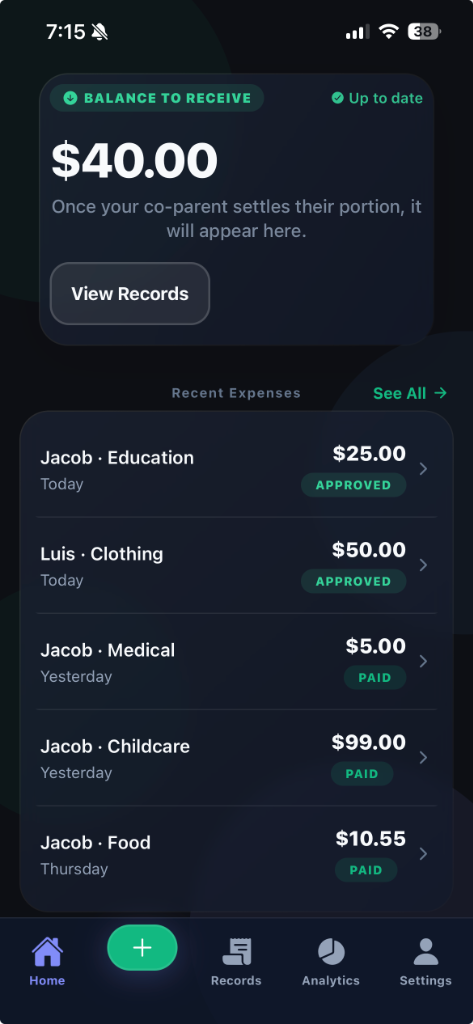
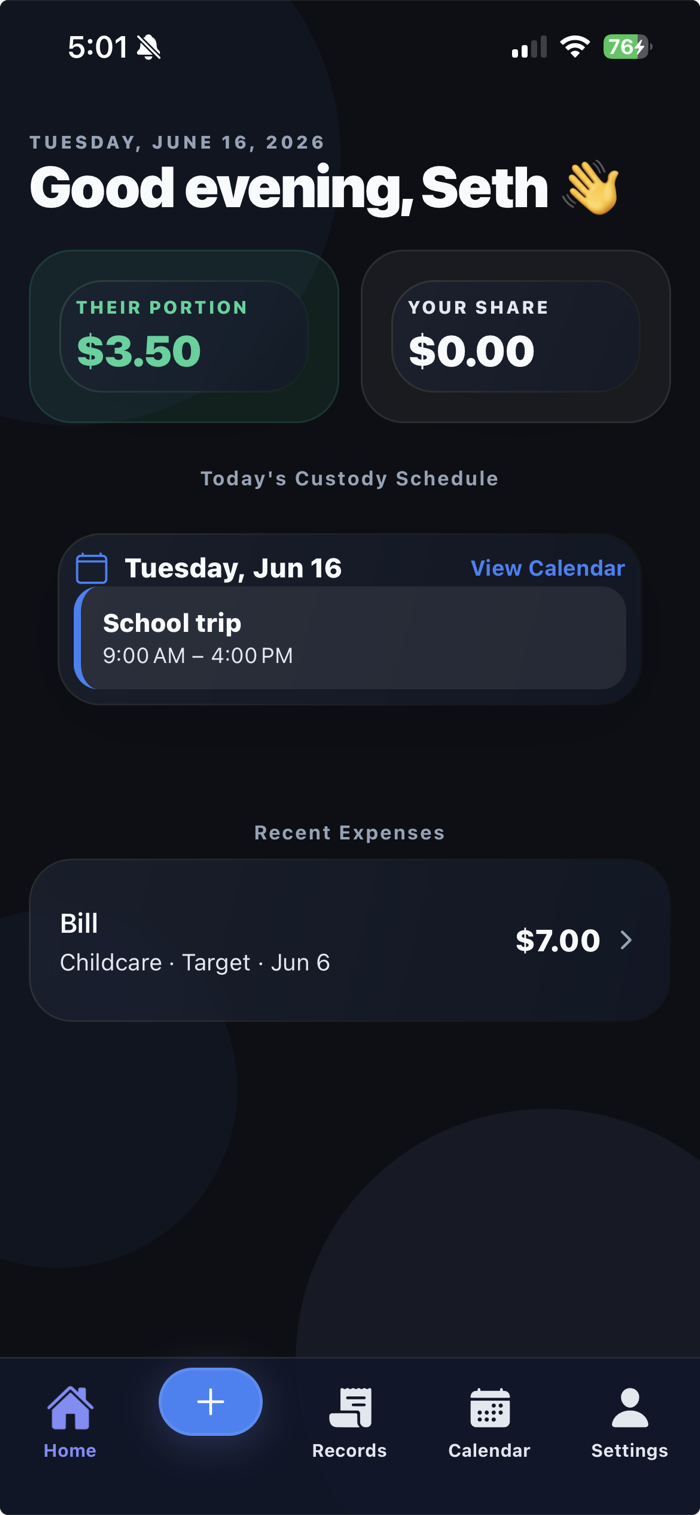
Yes — downloading the app and the core tools (logging expenses, splitting costs, and your shared calendar) are free. On the free plan, each settlement includes a small $1.99 CoParent Connect fee plus Stripe's standard processing fee. Premium removes the $1.99 fee and unlocks extras like unlimited receipt scanning, automated custody rotations, school import, full history, and court-ready PDF exports.
What's included free, and what's Premium?
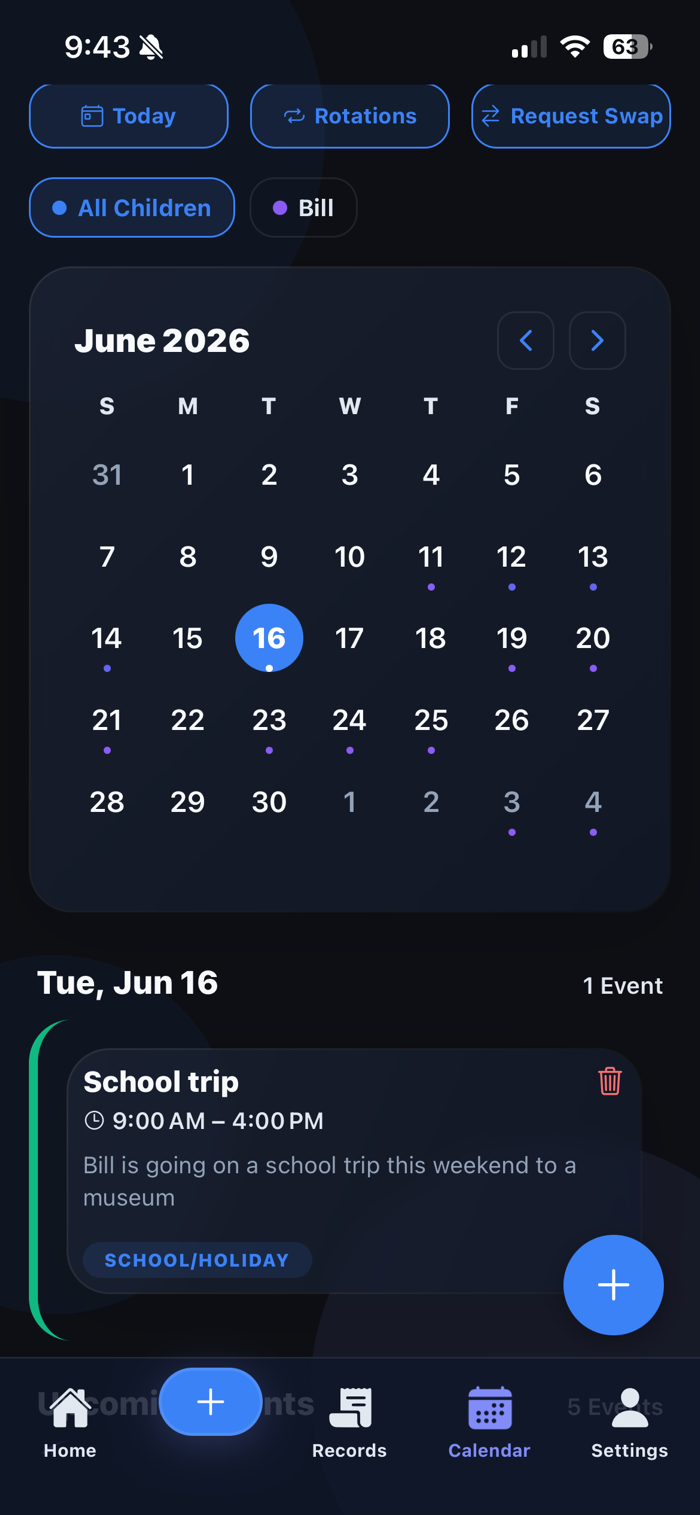
The free plan covers the essentials: logging and splitting child expenses, bank-to-bank settlements, your shared custody calendar, co-parent approvals, and a few AI receipt scans each month, with the most recent 90 days of history. Premium ($4.99/month, or save 16% with annual billing) adds unlimited receipt scanning, automated custody rotations and school-calendar import, full history, court-ready PDF and tax exports, and removes the $1.99 per-settlement fee.
Does my co-parent need the app too?
It's not essential to get started. You can set up your family space, log expenses, and build your custody calendar on your own — keeping clear, organized records for yourself from day one. That said, we recommend inviting your co-parent: when both of you are connected, expenses, calendars, swap requests, and approvals stay perfectly in sync, and that's where the app really shines.
Is my financial and family data secure?
Your data is protected behind biometrics (Face ID, Touch ID, or fingerprint), and payments run on Stripe's PCI Level 1 infrastructure. CoParent Connect never stores your bank details and never holds your money.
What if we disagree about an expense?
Nothing is final until both parents approve it. Either parent can request an adjustment on an expense, and every change is logged with a timestamp — so the record stays clear and neutral.
Can I use the records for custody or court?
Yes. Every expense and approval is timestamped and categorized. Exporting those as court-ready PDF records is a Premium feature, so you have clean documentation ready whenever you need it.
How do custody calendars and swaps work?
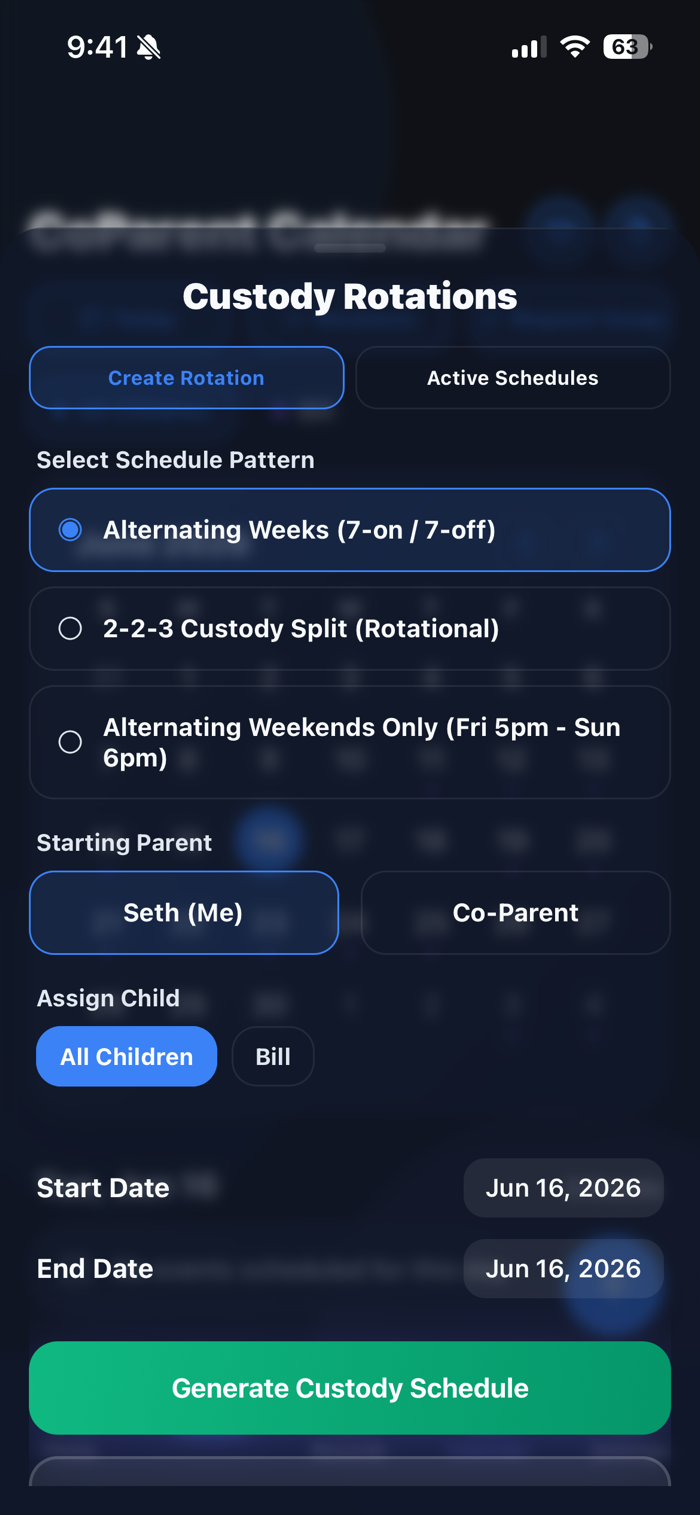
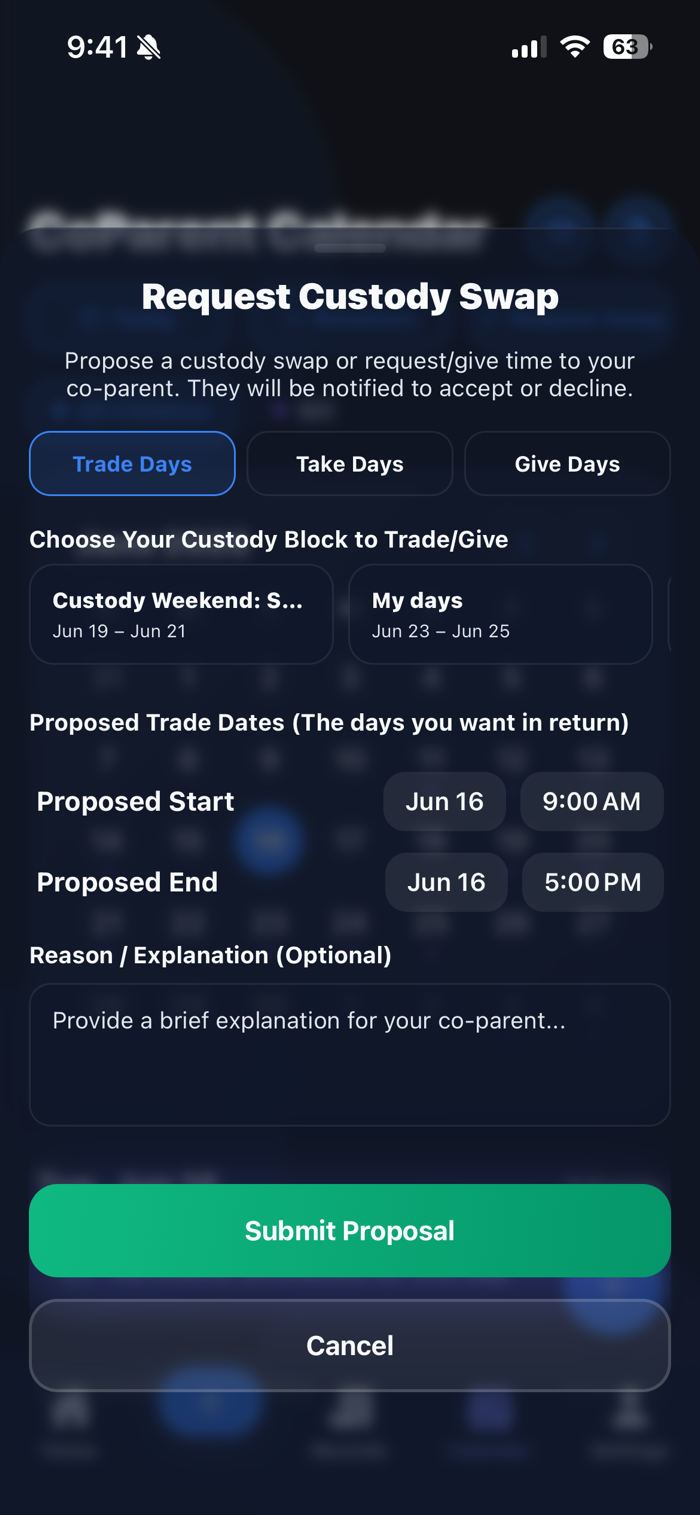
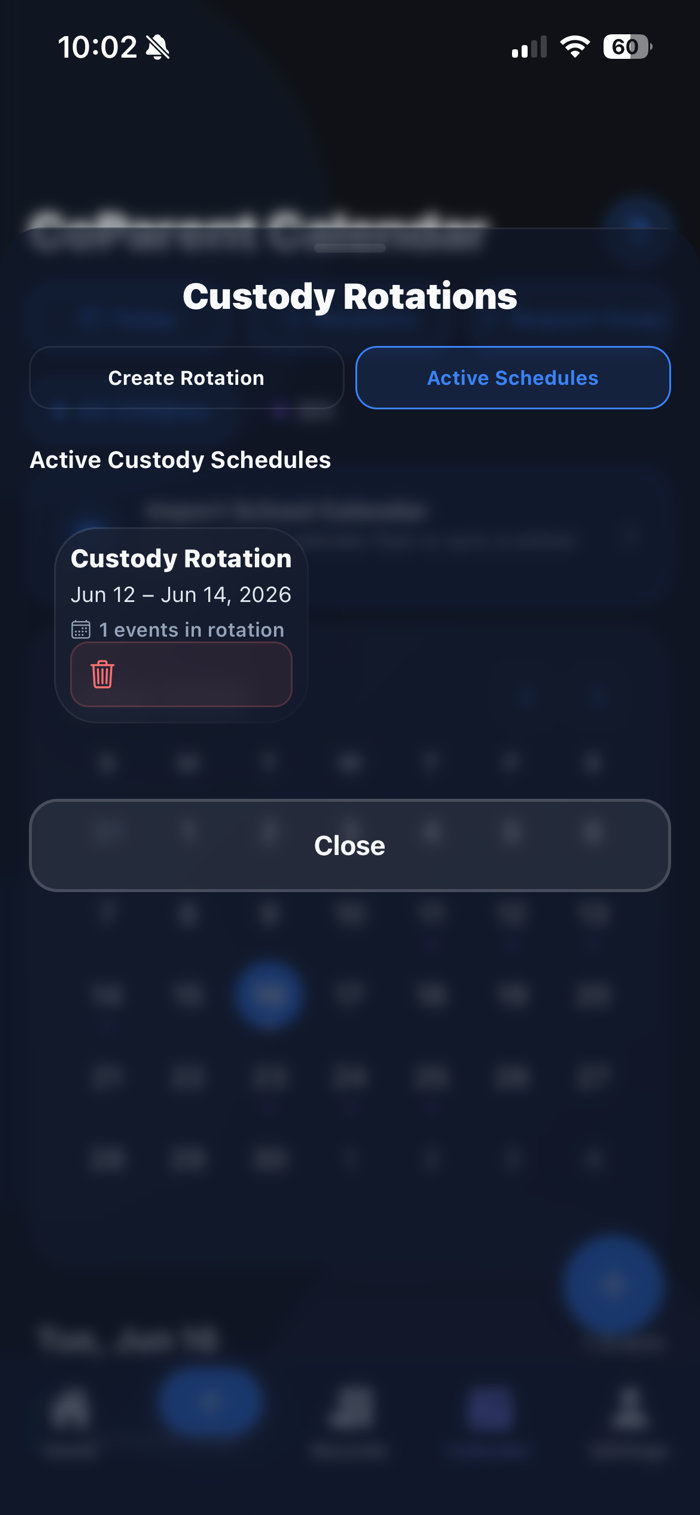
Set up recurring rotations like alternating weeks or 2-2-3 in minutes, then propose a swap any time. Your co-parent approves in a tap, and the calendar updates for both of you automatically.
Is there an Android version?
Yes — download it now on Google Play.