Now Available on the App Store
Shared Expenses.
Zero Conflict.
CoParent Connect helps separated parents track, split, and settle shared child expenses — transparently and without the back-and-forth.
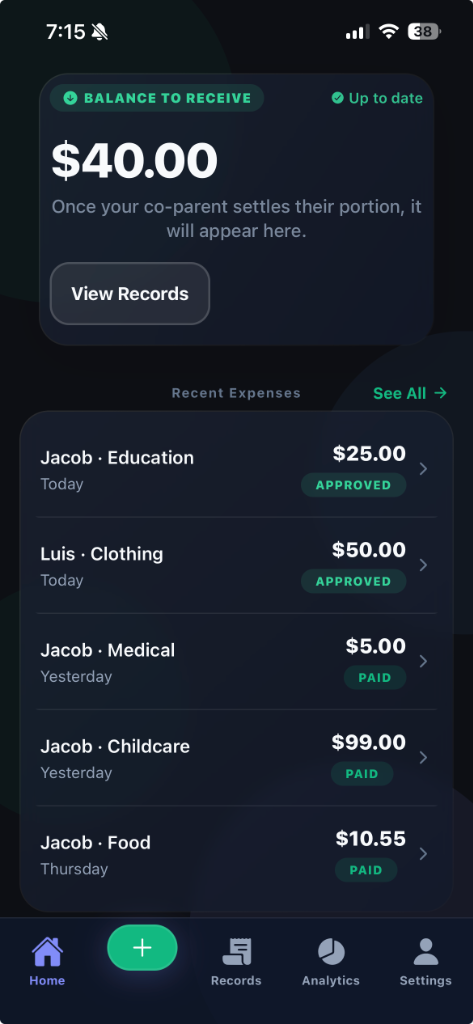
CoParent Connect helps separated parents track, split, and settle shared child expenses — transparently and without the back-and-forth.
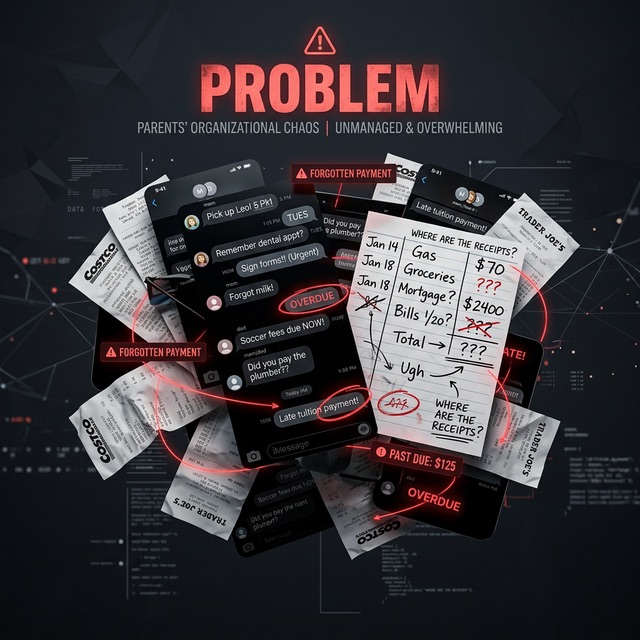
Forgetting who paid for what, losing receipts in old wallets, and endless text message threads that get buried. Confusion about reimbursements isn't just stressful—it's unnecessary.
Every expense logged, every receipt saved, every balance visible to both parents in real time.
Log every dollar spent on activities, health, or school instantly.
Confirm expenses with your co-parent so everyone stays aligned.
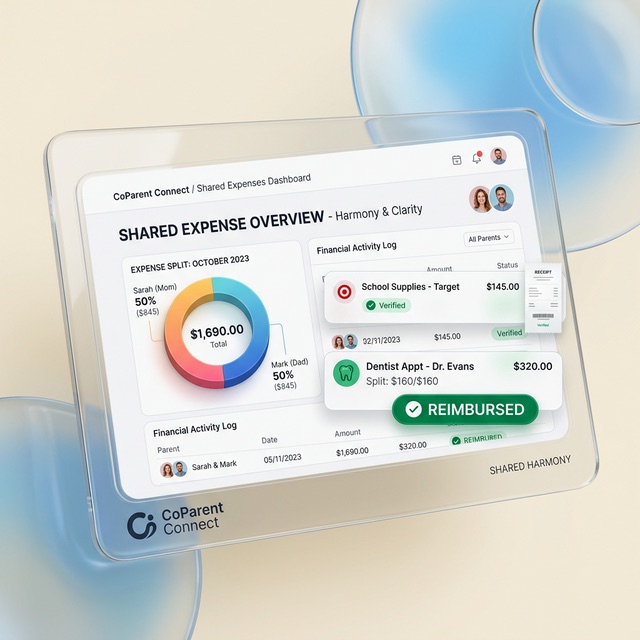
Everything you need to keep things neutral and organized.
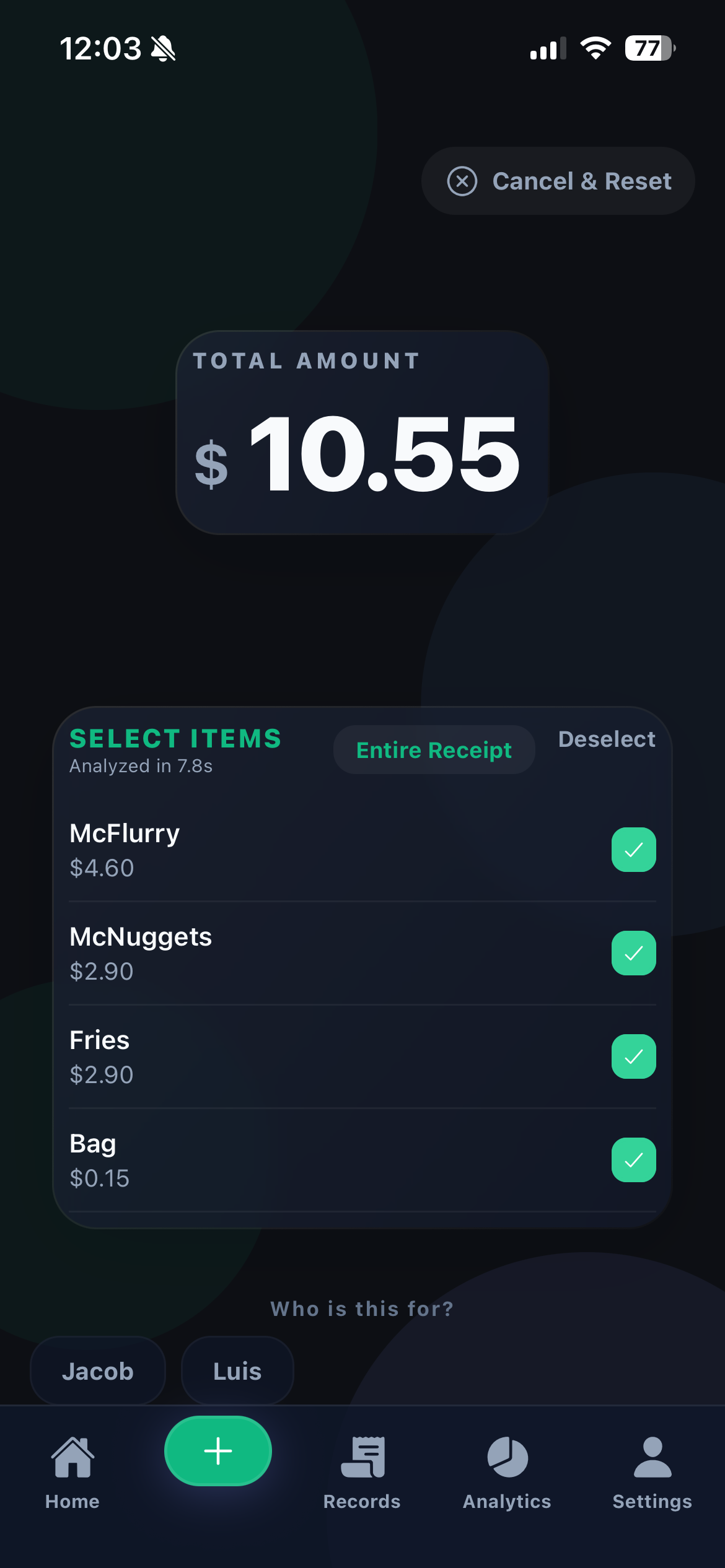
Photograph any receipt and AI extracts the items, totals, and merchant automatically. Powered by Google Gemini.
Both parents review and approve expenses before anything is settled. Full transparency, no surprises.
Bank-to-bank transfers go straight from one parent to the other — secured by Stripe. No funds held by the app.
Log and filter expenses separately for each child. Useful at tax time and for custody documentation.
See where shared money goes by category and month. Export a Year-to-Date summary for FSA reimbursement or tax prep.
Face ID and Touch ID lock your financial data. All records encrypted in transit and at rest.
Sign up with Apple, Google, or email in under a minute.
Share a private invite code to connect your accounts.
Create a profile for each child to organize expenses by kid.
Scan a receipt or enter manually. Assign to a child, set the split, submit.
Once approved, send your share directly to your co-parent's bank account.
When finances are transparent, focus returns to where it matters most: your children. No more friction, no more misunderstandings—just clarity.
Every word in the app is chosen to keep things calm. No blame, no accusations — just clear records that both parents can trust.
Timestamped, categorized expense records and PDF exports provide documentation that matters when it counts.
Your financial data is protected by Stripe's PCI Level 1 infrastructure. CoParent Connect never stores your bank details.